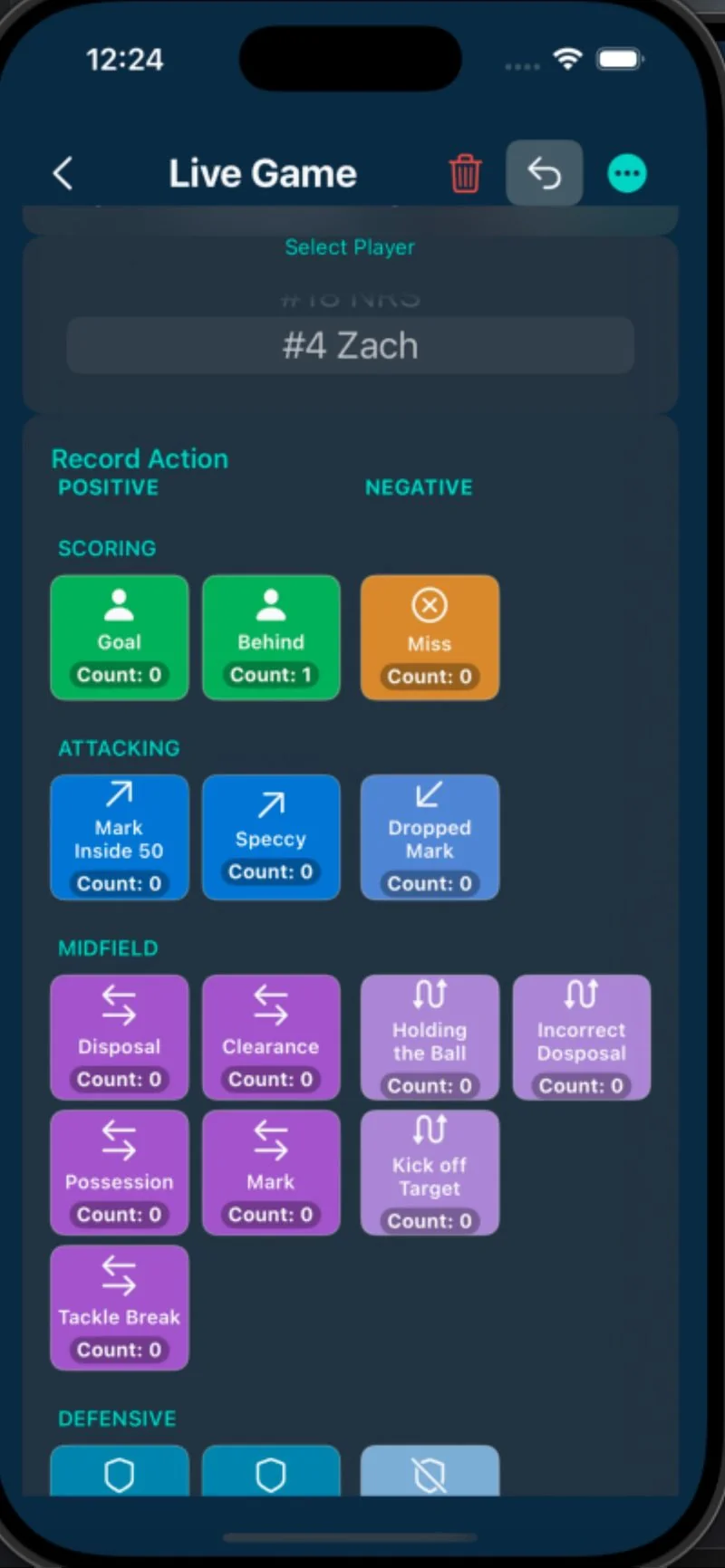
Download ScorX for iOS

Available now on iPhone and iPad. Free to download, free to use.

Download on the App Store

System Requirements

Minimum Requirements

  • iOS 18.0 or later
  • iPhone or iPad
  • 50 MB storage space
  • Internet connection for initial download (offline mode available after)

Optimized For

  • iPhone 15 Pro / 15 Pro Max
  • iPhone 14 / 14 Pro / 14 Pro Max
  • iPhone 13 / 13 Pro / 13 Pro Max
  • iPad support in development

What Happens After Download

1
📱

Download

Tap the App Store badge above or search "ScorX" in the App Store

2
⬇️

Install

App downloads and installs automatically (50 MB)

3
🚀

Open

Tap the ScorX icon on your home screen

4
👋

Onboarding

Complete the 2-minute onboarding flow

5

Start Scoring

Create your first team and start tracking games!

Quick Start Checklist

Before Your First Game

You're ready to score!

🎉 New Users: Start Your 30-Day Free Trial

Unlock iCloud sync, data export, and 5 players with ScorX Family tier. No credit card required. Cancel anytime.

Tap "Start Free Trial" after downloading the app.

Need Help?

✉️

Contact Support

scorxapp@gmail.com

📹

How It Works

Watch our step-by-step guide